 Jeeni Technologies
Case study · US wholesaler
Jeeni Sales System: running a US wholesale business from the browser
The client
A to Z Wholesaler LLC is a wholesaler based in the United States. Its team handles sale orders, purchase orders, returns and customer accounts every day, and needs the owners to see the business at a glance.
What we built
- A web application that covers the same ground as our desktop system, but runs in any browser.
- A dashboard for owners, with charts and figures that update from live orders.
- Order, purchase and return workflows for the office team.
- Accounts: expenses, payments, ledgers and finance reports.
- User roles and rights, managed by an administrator.
It is in production use today. The application is private to the client, so it is not publicly accessible.
Inside the system
Live dashboard
Sales against last year, margin trend, order stats, top and bottom products and customers, and tiles for inventory, payables and receivables.
Sale orders and returns
Create and track sale orders, handle sale returns, and open any invoice as PDF.
Purchase orders
Raise purchase orders to vendors and track them through to receipt.
Products and stock
Product catalogue and inventory, kept in step with orders.
Accounts and finance reports
Expenses, payments and ledgers, with finance reports including profit and loss, aging, cash summary and balance sheet.
Roles and access
Users, roles and rights, so each person sees only what they should.
Search and export
Search any list, choose which columns to show, and download to Excel.
Works from a browser
No installation. Staff sign in from any computer.
Screens from the web app
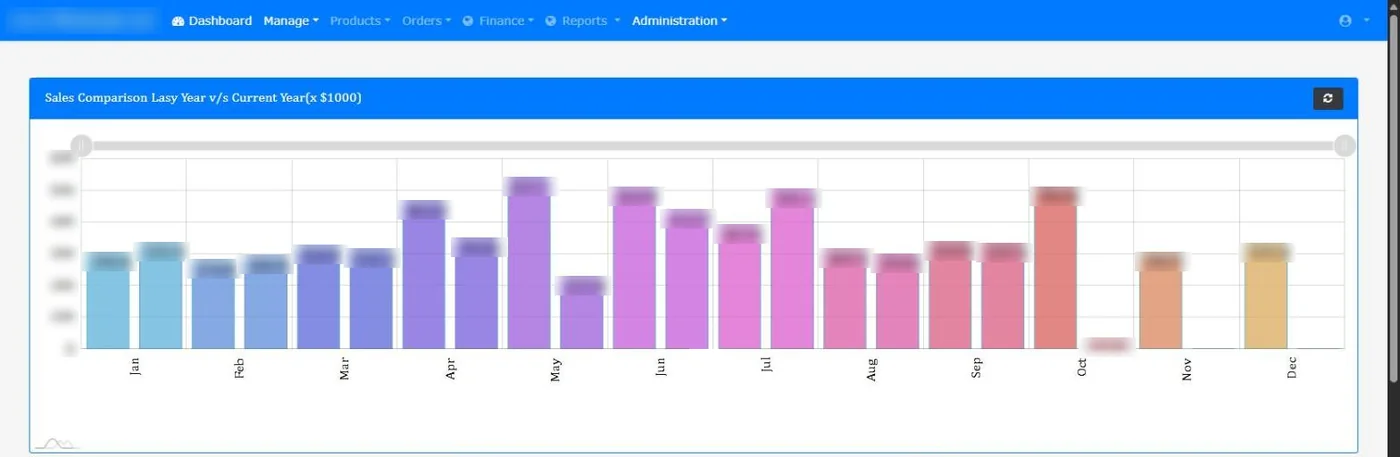
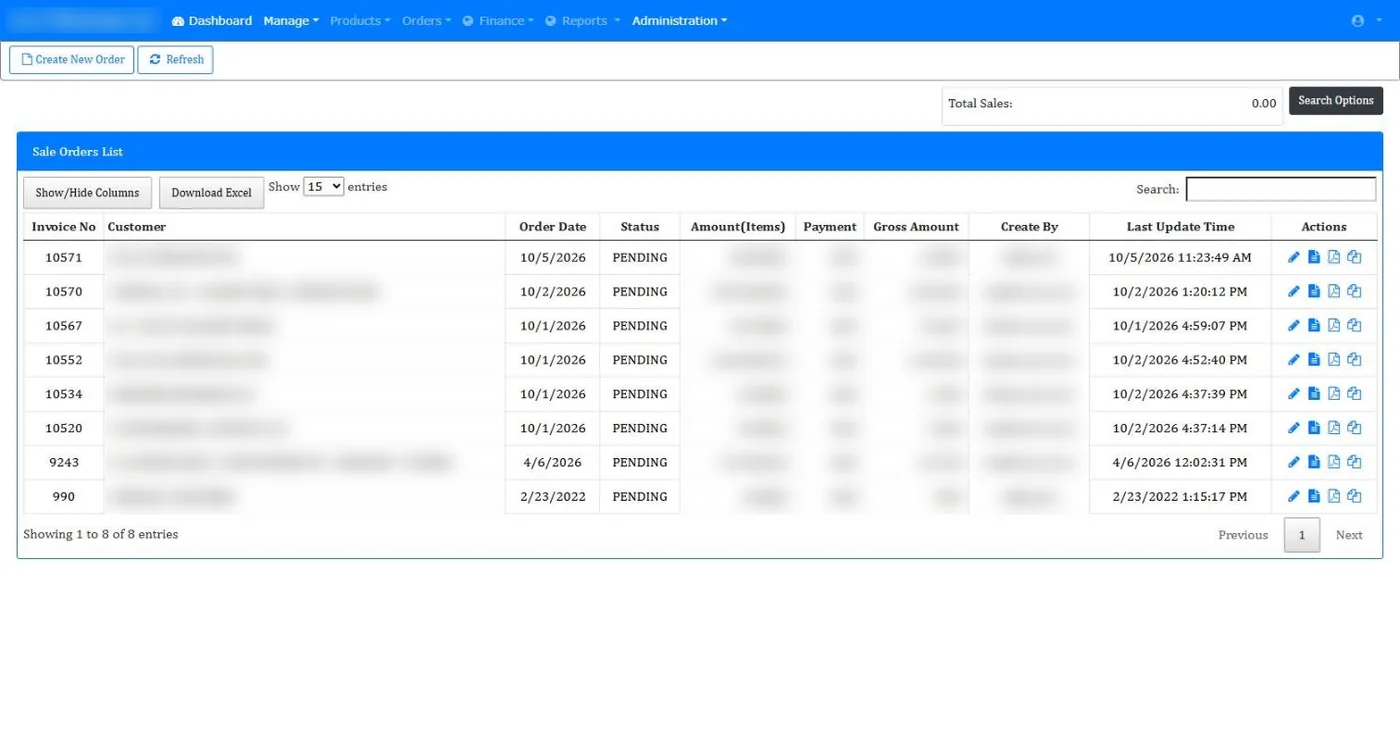
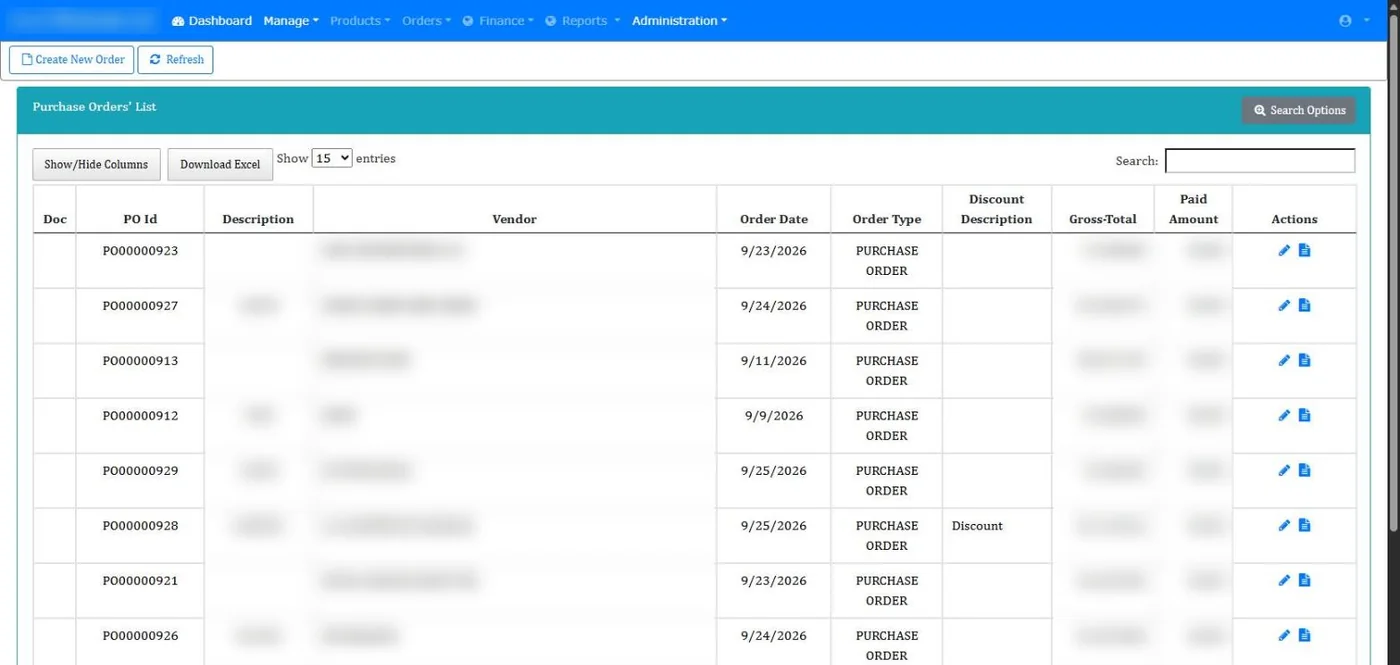
Screens come from the live system. Customer, vendor and staff names and all business figures are hidden. Tap a screen to view it full size.
Need a system like this for your business?
We build web and desktop systems around how your team already works. Tell us what you do today and we will tell you what to build.