 Jeeni Technologies
Case study · Wholesale and distribution · Pakistan
J. Brothers: one system for the office, the field and the customer
The client
J. Brothers is a wholesale and distribution business in Pakistan. Its team takes orders in the field, bills customers, collects payments and keeps stock and customer accounts up to date. The app is listed on Google Play as "J. Brothers Sales Management System".
What we built
- A Windows desktop app for the back office: invoices, vouchers, inventory and reports.
- An Android app for staff, order bookers and customers.
- One shared database that keeps both apps in sync.
- A back-office setup where administrators create and manage user accounts. Users cannot self-register.
The system works online and is built for any wholesale business, not just this client.
Inside the system
Orders and invoices
Order taking, sales and purchase invoices, with cash or credit terms.
Customer and vendor accounts
Ledgers and running balances, receipt and payment vouchers.
Inventory
Stock updates as purchases are received and sales are executed, plus stock adjustments.
Offer lists
Customer-specific price lists that can be printed or shared as PDF.
Field team
Bookers take orders on their phones, and managers can see visit locations.
Customer access
Customers can send orders and see their own account ledger in the app.
Reports
Stock in hand, pending invoices, customer ledger and profit and loss.
Sharing
Invoices and ledgers can be shared as PDF, including through WhatsApp from the desktop app.
Screens from the Windows app
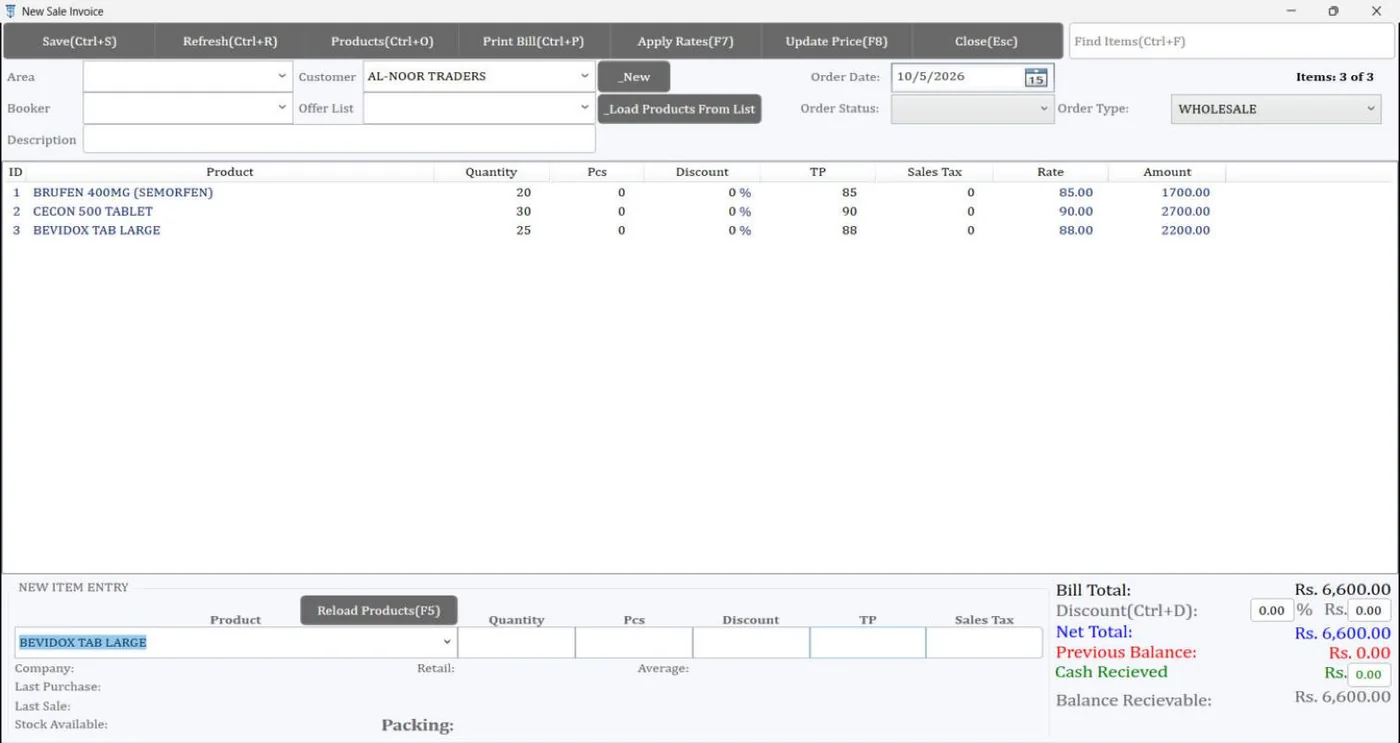
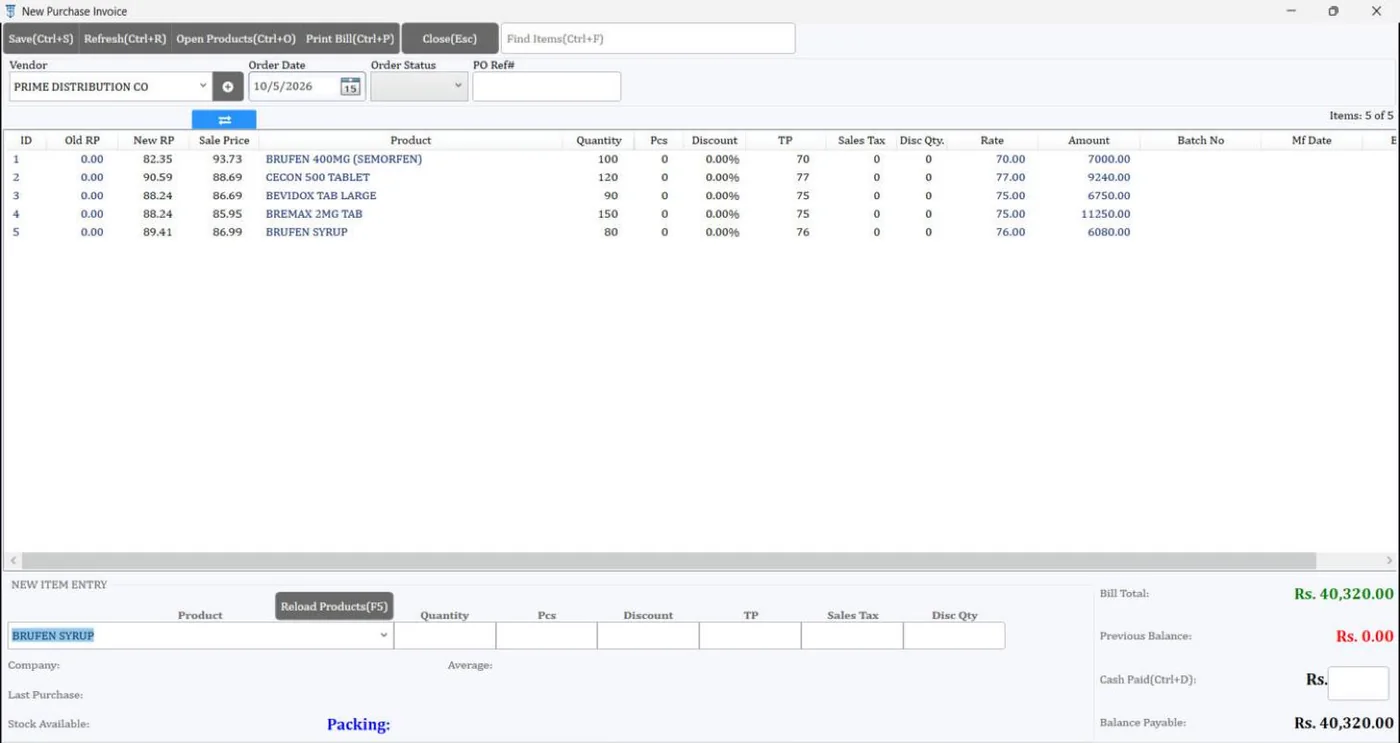
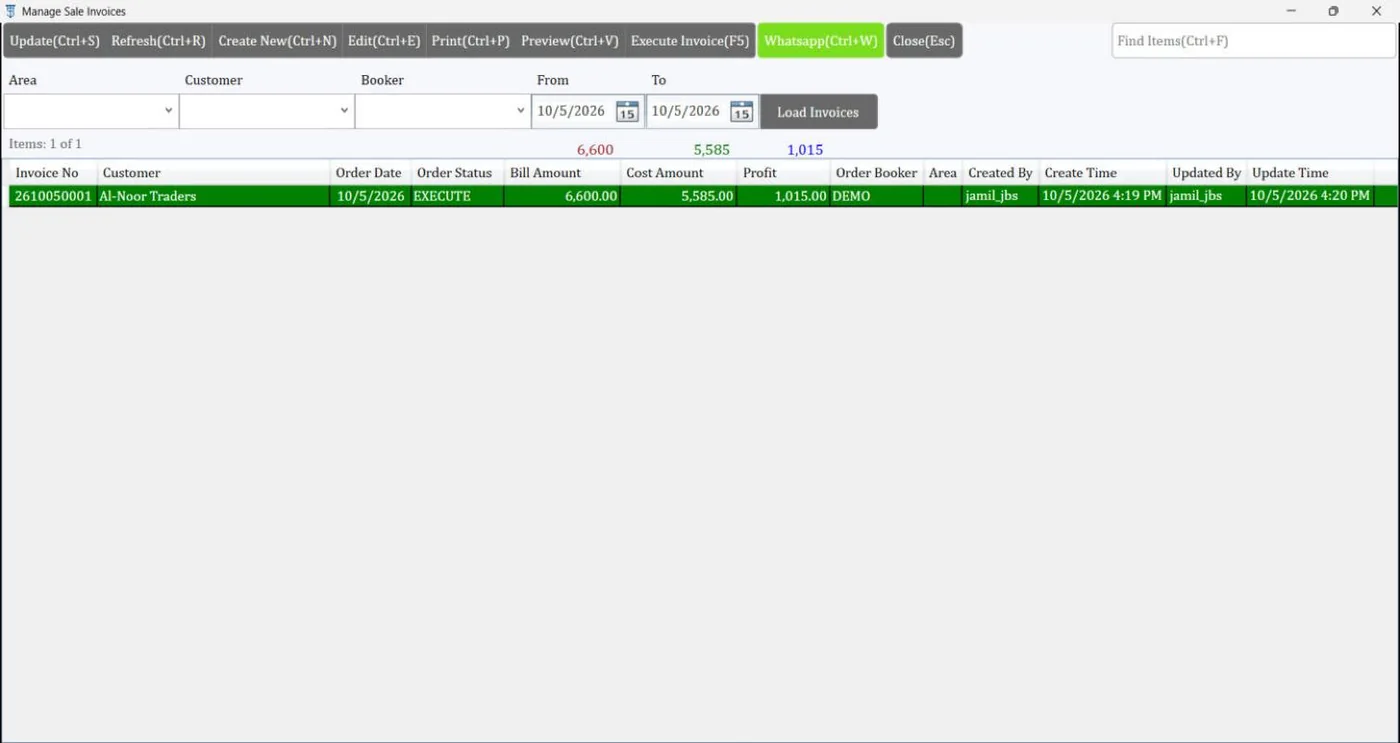
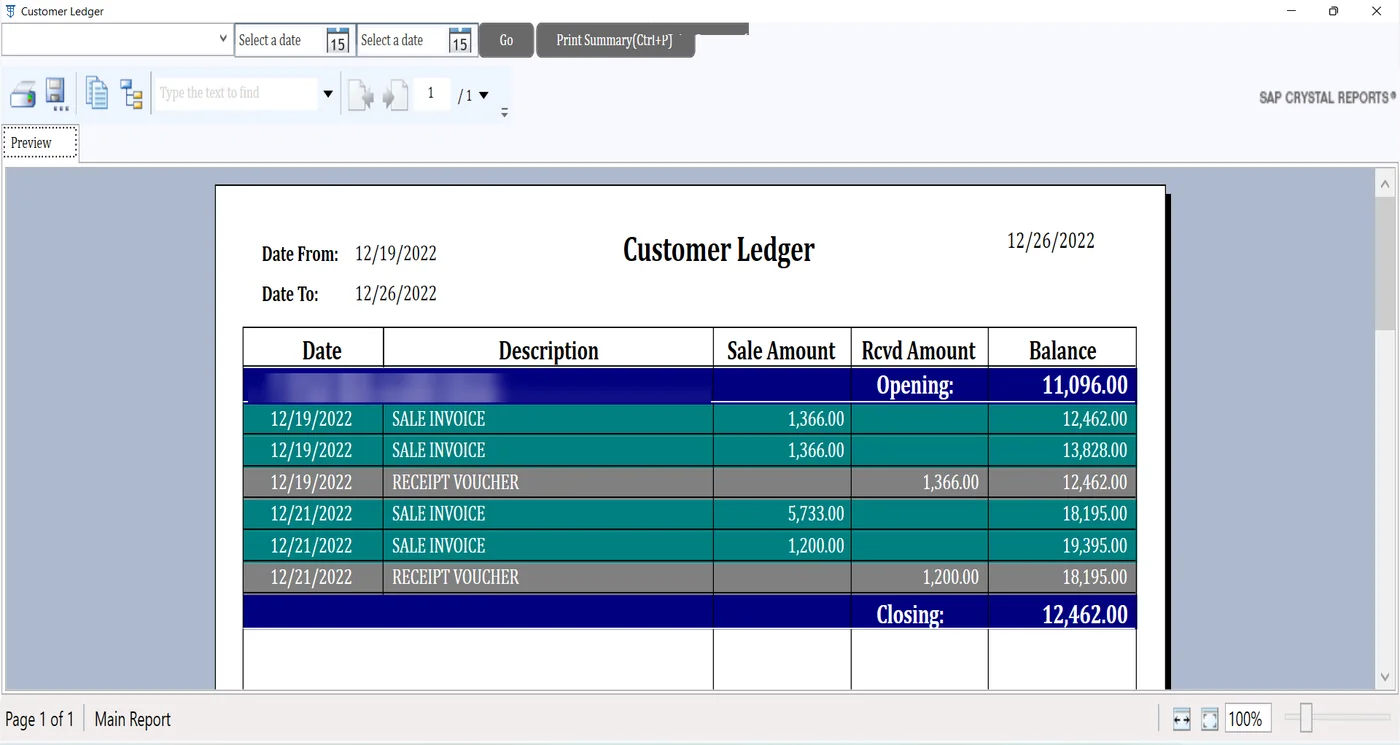
Screens show demo data. Customer names in the ledger are hidden. Tap a screen to view it full size.
Need something like this?
The same approach works for any wholesale, distribution or field-sales business. Tell us how you work today and we will tell you what to build.